Several weeks ago, I may have broken my right elbow at a roller disco – whoops! I’m pleased to say that it wasn’t a lack of skating skills that caused it, rather it was an unfortunate accident that me and my daughter ended up in after a child appeared on the floor in front of us. Before we get started, the children were fine, and to be honest it wasn’t until 45 minutes after the fall where we carried on skating that I realised that my fingers looked like sausages and my arm was going completely numb!
A day later I was in excruciating pain but it didn’t last very long, and good people & technology around me kept my spirits high whilst I couldn’t get very far without assistance.
Being me, I wanted to keep working as much as I could throughout the recovery period if not just for the sheer boredom of doing nothing on the weekends immediately after, and there are several tools & devices out there that I relied on more than I usually do to keep me going! I already had these tools & devices available to me, but I didn’t realise the great value of them until I could only use my left arm!
Here are some highlights in how my use of technology changed during my recovery period.
Samsung Galaxy Z Fold 4
I’ve had my foldable phone for over a year ago now, and honestly, unless you work in a role like mine then there aren’t many other use cases where a ‘pro’ phone and tablet combo couldn’t do the same thing. With the inability to hold much weight and having to type one handed, I quickly found that my phone became my primary device for everything!
I’ve always loved this phone for its versatility, and it’s ability to stop me going back to my laptop for those quick actions that require desktop-style interfaces, but during this time it was also the light weighted nature of the device in comparison to tablets and PCs that really helped! I was able to sit where I was most comfortable whilst continuing to work or stream TV.

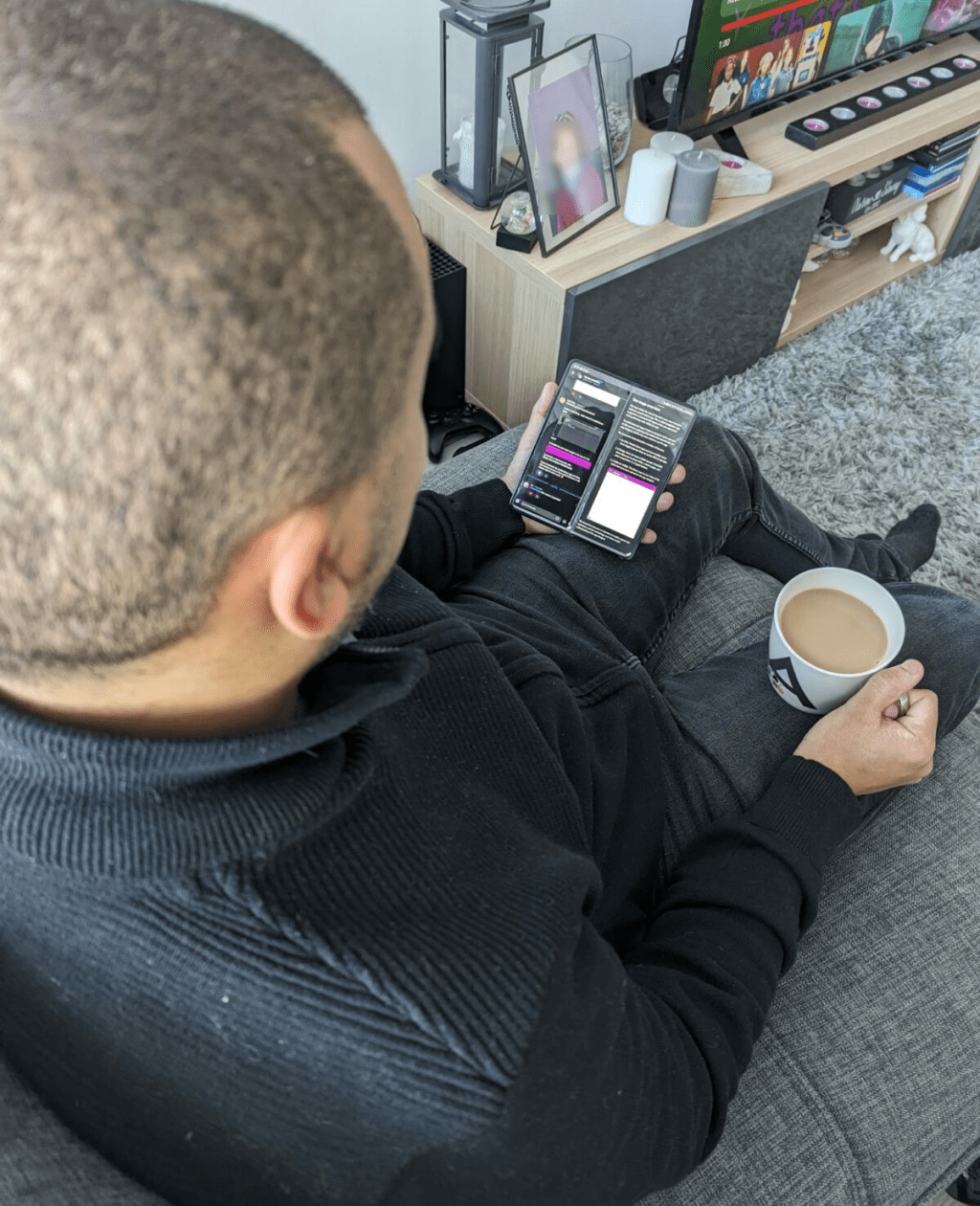
This photo was taken a couple of weeks after my arm was free from the sling, and it still remains my go-to device to take me away from my work environment if I want to read and think.
Microsoft Copilot
Now in fairness, Microsoft Copilot didn’t necessarily assist in my ability to work but it did force me to consider my prompt engineering techniques! Not only did I want to increase the speed of my delivery to keep my pace as normal as possible, but I also wanted to limit typing as much as possible. I’ve found a few favourite ways to use Microsoft Copilot now, which I think I’ll continue to use forever on. These include:
- What were the actions from this meeting?
- What did [person] say in regards to [topic]?
- When is my next meeting with [person]?
- Which of my Outlook Events are categorised as [category]?
Oh, and of course, the endless new mashup images that me and my daughter have generated in creative mode whilst we’ve spent more time indoors during my recovery!

I’m sure that Microsoft really appreciate our productive use of Copilot by creating every single variation of a Stitch mashup you could possibly think of!
Dictation
Let’s not forget a very undervalued feature of Microsoft Word – good old fashioned dictation! Microsoft Copilot is fantastic for understanding context or generating content, but when I needed to produce my own content for projects I noticed a slowdown in my pace. Luckily, I didn’t have any pressing deadlines and I was able to move a lot of my work around to accommodate for the recovery, but when I did have to write I found that using Dictation in Word was fantastic! There were several small errors I’d need to correct, such as lower case ‘power platform’ being plastered everywhere, but that’s a small price to pay to remain on top of documentation when it was necessary! I found myself using Dictation in Word for everything, and then just copying & pasting into other apps because it’s quality of interpretation was higher than anything else.
As well as its interpretation qualities, my favourite feature of Dictation was that I didn’t have to think about how to use it. I could express any command in audio, whether that was to speak out my paragraphs in natural language or to format my document in the way that I wanted it to be.
Admittedly this is the one thing on this list that I’m less likely to use in the future, but I recommend it a lot to others now especially when they’re short for time and need to write something quickly!
Microsoft Teams Presenter+
And last but certainly not least, my Microsoft Teams Presenter+ device. I sit in meetings for at least 3 hours a day, and as you’d expect, the two things I do the most in meetings is talk or present! When I bought this device a year ago I didn’t think it’d be of much value, but in the last month it’s been hugely beneficial! Using this device you can navigate slides, use a virtual laser pointer, raise your hand, or mute & unmute yourself, which is incredibly accessible to someone who doesn’t have the use of their dominant arm to navigate a mouse or touchpad especially when their response time needs to be fast!
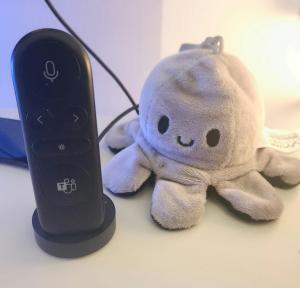
I’d be lying if I said that the reversable octopus was my daughter’s, but, she did buy it for me!
 AaronKGumbs